You've opened Mint out of habit, only to find that the routine you trusted is gone. Your transaction history, categories, recurring bills, and familiar view of your money now need a new home. The wrong replacement can leave you with disconnected accounts, unclear categories, or a dashboard that shows spending without helping you change it.
The best alternatives to Mint depend on the decision you're trying to make. Do you want zero-based control, better household collaboration, automated cash-flow visibility, spreadsheet flexibility, subscription cleanup, stronger privacy, or the least painful migration? This roundup compares those priorities through budgeting method, bank connections, automation, templates, pricing, data control, and setup effort. Choose the tool that matches your financial behavior, not the one with the longest feature list.
Table of Contents
- 1. Peaceful Mindful Pocket LLC
- 2. Monarch Money
- 3. YNAB
- 4. Simplifi by Quicken
- 5. Tiller
- 6. Rocket Money
- 7. Copilot Money
- Top 7 Mint Alternatives: Feature Comparison
- Choose Your Mint Replacement and Migrate Carefully
1. Peaceful Mindful Pocket LLC
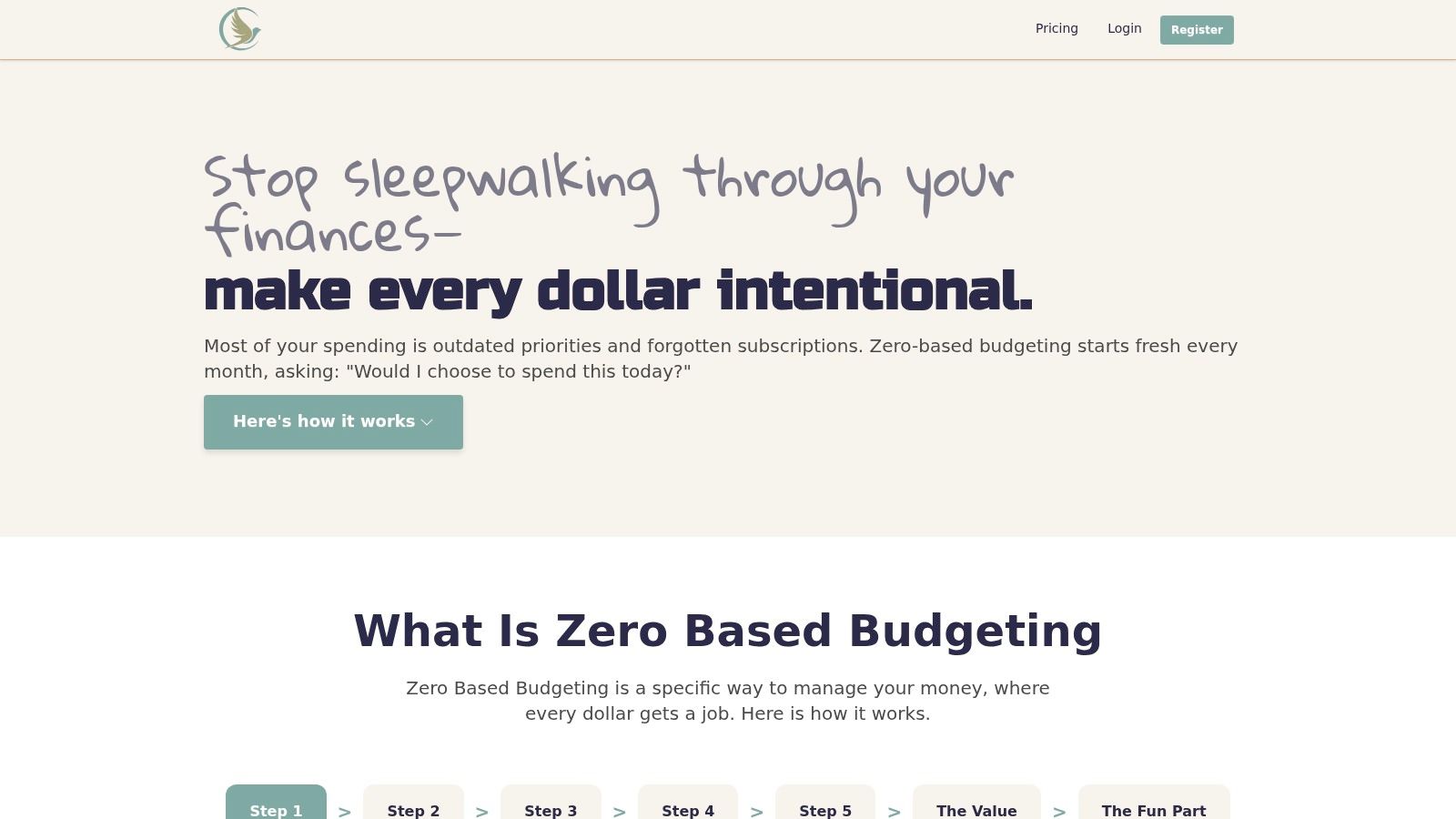
Peaceful Mindful Pocket LLC suits users who want a Mint replacement that actively controls spending instead of only recording transactions. Its zero-based workflow assigns planned amounts to categories, giving every dollar a purpose. A generated demo budget helps new users begin quickly. You can rename categories, add income sources, and adapt the structure to household or freelance finances.
The bank connection is read-only through Stripe. After recent transactions are imported, you can categorize them by dragging and dropping or double-clicking. Your plan then shows intended spending beside actual transactions, making forgotten subscriptions and unclear habits easier to identify.
Best for privacy and guided control
Privacy is a clear differentiator. Data is encrypted in transit and at rest, the product does not use third-party tracking scripts, and the company says it receives limited connection details, such as institution name, the last four digits of an account, transaction descriptions, dates, and amounts. Users can request true, irreversible deletion of their data.
User-written automation rules remain inspectable through email logs. A time-stamped budget ledger also records what changed and when. Master templates, balance reconciliation, and gamification are still in development, so users seeking a mature, large-scale feature set may encounter gaps.
Choose this app if you want transparent automation, hands-on budget control, and founder-led support. It is a practical fit for beginners, couples, families, and freelancers who want guidance while building a working plan. Its pricing includes $4.99 per month, $50 per year with a one-hour coaching session, and a $400 lifetime option with limited lifetime seats noted on the site. A 7-day free trial without a credit card, a 30-day money-back guarantee, founder-led email support, an AI chatbot, and optional one-to-one coaching reduce the effort required to get started.
2. Monarch Money
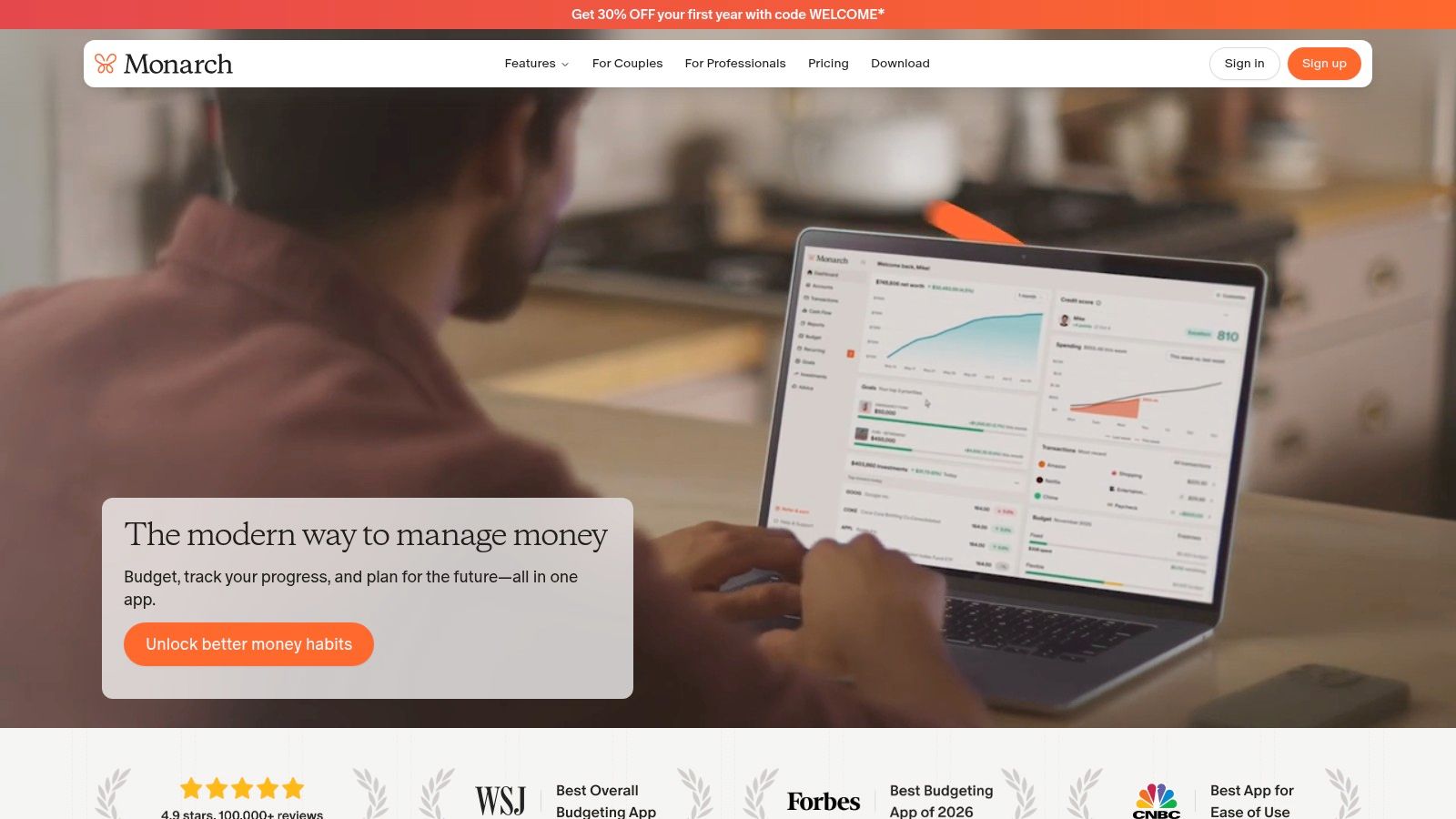
Monarch Money is the clearest choice for households that want a polished, shared financial dashboard. It connects checking accounts, credit cards, loans, and investments, then combines balances, spending, goals, and portfolio information in one web and mobile experience. Couples can use shared household views and ownership filters, which helps separate personal accounts from joint finances without hiding the overall picture.
Its budgeting system is flexible enough for category-based planning, flexible spending, and zero-based workflows. That makes Monarch a better fit than a rigid tracker for households that want both planning and broad financial visibility. If your main Mint habit was opening one screen to understand spending, net worth, and investments, Monarch comes closest to that all-in-one experience.
Best for couples and complete dashboards
Monarch is ad-free and subscription-based, which gives it a different commercial model from free financial tools that may promote financial products. Its investment tracking is stronger than what you'll find in many budgeting-first apps, although some advanced investment filters and features are still evolving.
The main trade-off is cost and commitment. The website references pricing around $99 per year, but checkout pricing, tiers, and promotions can vary, so confirm the current offer before subscribing. You'll also need to accept cloud-based account syncing if you want automatic updates.
For users who want a broader explanation of the dashboard-versus-budgeting distinction, this personal finance dashboard guide is a useful companion. Monarch wins when two people need one shared view of spending, goals, investments, and household accounts. It's less suitable if privacy means avoiding aggregation altogether or if you want hands-on coaching for every budgeting decision.
3. YNAB
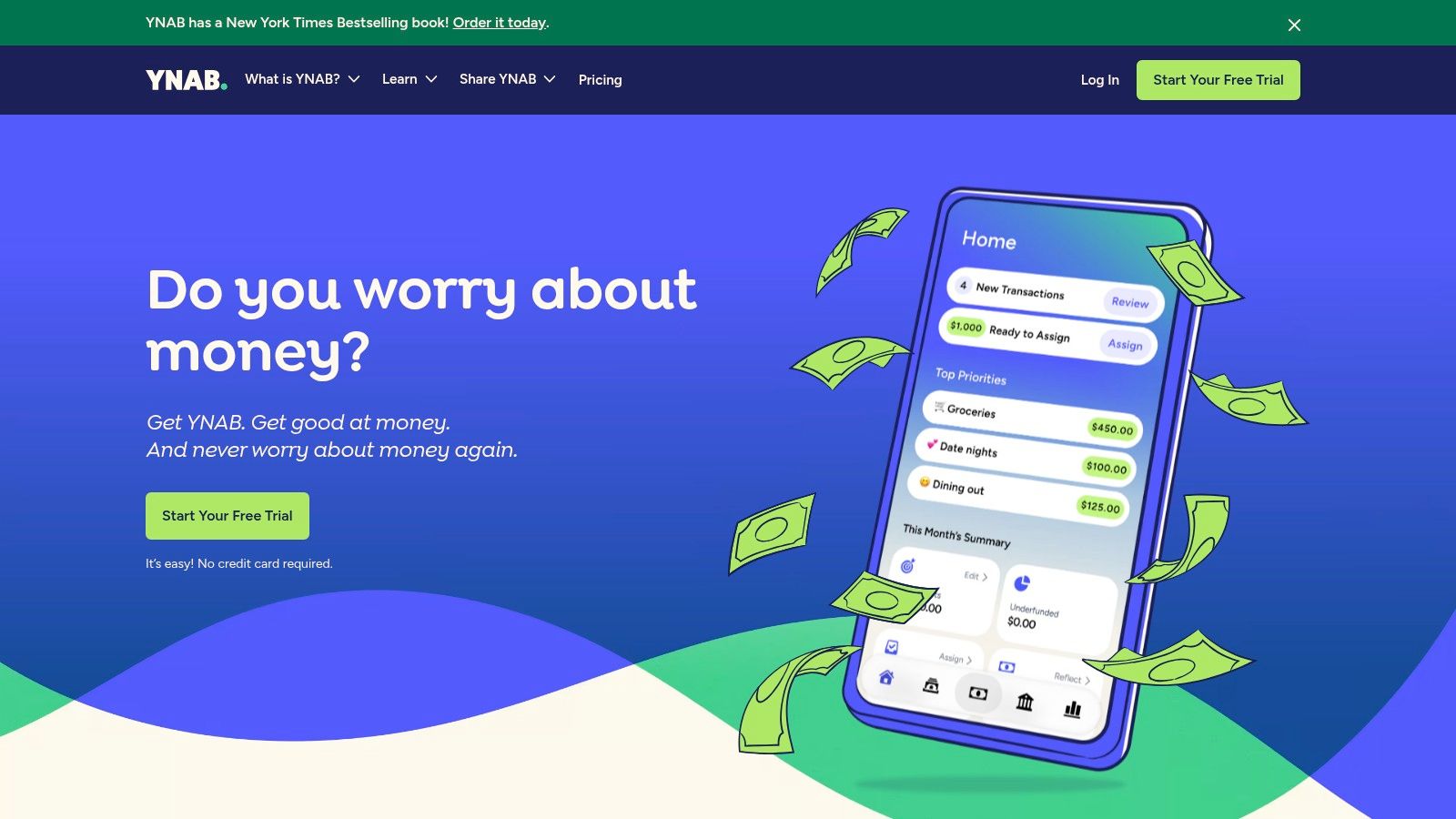
YNAB is the best choice for people who used Mint to observe spending but now want to change how they manage money. Its central method is zero-based budgeting, where every dollar receives a job before you spend it. You create targets, fund categories, account for upcoming obligations, and make deliberate decisions when a category runs short.
That structure creates more work than a passive dashboard, but the work is purposeful. YNAB asks you to review transactions and keep the plan current instead of relying entirely on automatic categorization. Beginners get access to education, workshops, and guidance that explain the method rather than merely showing charts.
Best for discipline and shared budgeting
YNAB supports shared use through YNAB Together, allowing families or couples to work from one subscription. It offers direct import for accounts in the United States, Canada, the United Kingdom, and the European Union, while other regions can use file import. That regional support makes it more flexible than some bank-sync products, but connection availability can still vary by institution.
The method can feel opinionated. That's a benefit if you want a clear system, and a drawback if you only want a quick spending summary. Investment tracking also takes a back seat to budgeting, so YNAB isn't the right primary tool for someone whose main concern is portfolio performance.
Read this guide to zero-based budgeting software if you're deciding between a structured planning method and a dashboard approach. Pick YNAB when you're ready to review your plan regularly and make spending decisions before money disappears.
4. Simplifi by Quicken
Quicken Simplifi suits Mint users who want automated cash-flow awareness without building a detailed budget from scratch. Its spending plans, watchlists, alerts, and projected cash-flow view focus on a practical question: will upcoming income cover your bills and planned spending?
Watchlists track a category, payee, or tag. Use one for groceries, a recurring merchant, or another spending type without creating a custom report. The projected cash-flow view places upcoming bills and income against future balances, helping you spot pressure before it affects your account.
Best for automated cash-flow awareness
Simplifi works across web and mobile dashboards, with quick actions and visual trends for frequent check-ins. It offers a gentler starting point than YNAB because you can monitor spending without adopting a strict zero-based method immediately. The app handles much of the categorization and tracking, leaving you to review patterns and upcoming obligations.
Choose Simplifi for automation, not maximum control. It has fewer advanced reports and power-user controls than desktop Quicken, and some functions differ between web and mobile. Subscription billing is annual even when the price appears as a monthly equivalent, and renewal pricing can exceed an introductory promotion.
If your main question is “Can I safely get through the month?” rather than “Have I assigned every dollar perfectly?”, Simplifi is the better fit.
Bank connections support Simplifi's automated experience, so review supported institutions before moving your accounts. Test your primary bank, card, and loan feeds to confirm that updates arrive reliably. For a closer look at connection differences, see this budget app bank sync guide.
Simplifi is a strong choice for users who want less manual category maintenance and a clearer view of cash flow. Choose another tool if household collaboration, spreadsheet flexibility, or detailed zero-based control matters more than automation.
5. Tiller
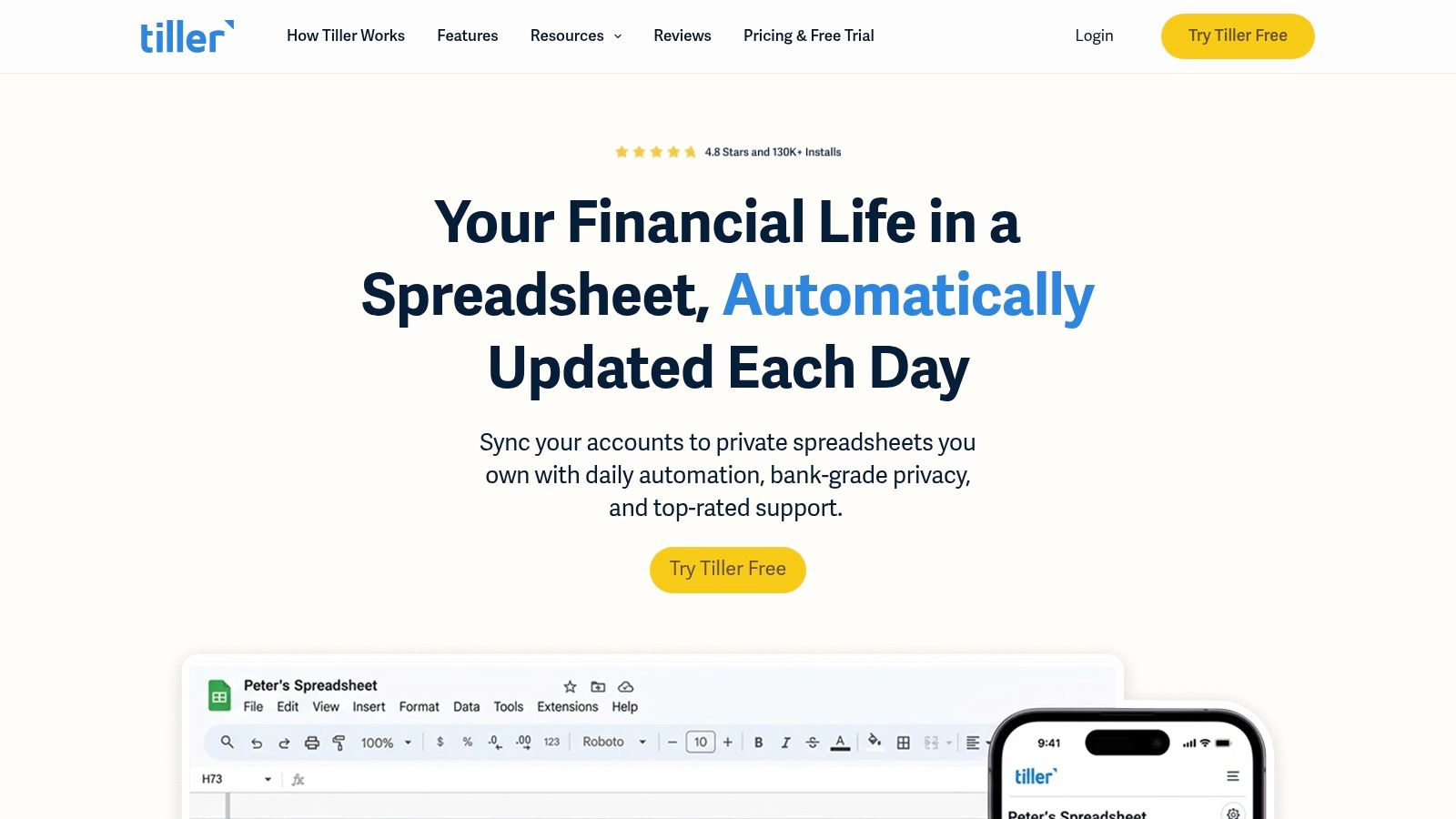
Tiller is for people who don't want a budgeting app to dictate how their financial information should look. It sends daily transactions and balances into customizable Google Sheets or Microsoft Excel templates, giving you a familiar grid instead of a closed dashboard. You can build reports for household spending, freelance income, sinking funds, reimbursements, or anything else your spreadsheet can represent.
Tiller's AutoCat feature applies rule-based categorization, so repeated merchants and transaction patterns don't require the same manual cleanup every time. Its template library and active community also give you a starting point without limiting what you can eventually build.
Best for spreadsheet flexibility
Tiller's biggest advantage is control. You can change columns, formulas, categories, summaries, and reporting logic. If you've ever tried to make an app answer a question it wasn't designed for, a spreadsheet-based system removes that ceiling.
That flexibility comes with responsibility. You'll need to understand spreadsheets, protect formulas, maintain your templates, and decide which reports matter. Tiller doesn't provide native investment analytics beyond what you build yourself, so it's not an ideal replacement for users who want a finished portfolio dashboard.
The privacy model also deserves attention. Tiller is ad-free and feeds information into spreadsheets you control, but the service still requires setup and bank connections for automated feeds. Choose it when your priority is custom financial infrastructure, not the fastest possible onboarding. Freelancers, spreadsheet enthusiasts, and households with unusual category structures will get more from Tiller than users who want a ready-made mobile experience.
6. Rocket Money
Rocket Money is the best tool here for subscription cleanup. It identifies recurring charges, helps track subscriptions, and can assist with cancellation. That makes it useful for Mint users who mainly opened the app to find forgotten services, duplicate charges, or bills that continued after they stopped using them.
The app also includes budgeting, spending insights, net worth tracking, and credit score features. A free plan makes it possible to start with subscription discovery before paying for broader tools. Premium plans add features such as real-time syncing and partner sharing, while pricing uses a sliding scale that lets users choose within the available range.
Best for finding recurring leaks
Rocket Money's optional bill-negotiation service can pursue savings on eligible bills, but it charges a success fee of 35% to 60% of first-year savings when successful. That fee is a direct cost of using the service, so compare the convenience against the amount you'd keep after the charge.
The app's budgeting system isn't as deep as YNAB's, and it isn't as broad a household dashboard as Monarch. Treat it as a focused tool for recurring expenses, not a complete replacement for every Mint workflow.
Start by reviewing every detected subscription. Confirm whether each service is still useful, check the cancellation terms yourself, and make sure a canceled service doesn't contain an important account or family benefit. Rocket Money is the right recommendation when reducing recurring charges matters more than building a detailed category plan.
7. Copilot Money
Copilot Money is the best fit for users who want a refined interface, minimal setup, and strong automation. Available across iPhone, Mac, and the web, it uses AI-assisted categorization and transaction cleanup to learn from your corrections. The result is a finance dashboard that aims to stay useful without demanding constant manual maintenance.
Copilot also tracks investments, allocations, and live performance snapshots. Its spending and investment views make it a good choice for busy users who want one polished place to monitor both everyday money and longer-term holdings.
Best for polished automation
The main strength is speed. Automatic categorization reduces the amount of cleanup required after accounts sync, and the interface makes common spending questions easy to answer. You retain control by correcting categories and refining the system, but you don't have to start with a complex budgeting template.
Copilot requires a paid subscription and doesn't offer a free tier. It also has fewer advanced budgeting structures than YNAB or Tiller. If you need strict envelope logic, extensive spreadsheet customization, or a guided zero-based method, choose one of those tools instead.
Copilot is the strongest recommendation for an Apple-centered household that values design and automation over deep budgeting mechanics. Before subscribing, verify that your devices and financial institutions are supported. A beautiful interface won't compensate for missing account connections or a budgeting method that doesn't match how you make decisions.
Top 7 Mint Alternatives: Feature Comparison
| Product | 🔄 Complexity | 💡 Resource requirements | ⭐📊 Expected outcomes | ⚡ Speed / Efficiency | Ideal use cases |
|---|---|---|---|---|---|
| Peaceful Mindful Pocket LLC | Medium, guided onboarding with optional rule-writing | Low cost (tiered: monthly, yearly, lifetime); Stripe read-only; limited account slots | ⭐⭐⭐⭐, strong privacy, actionable zero‑based budgets, audit trail | ⚡ Medium, fast imports + drag‑drop categorization; some manual work | Individuals/couples/freelancers seeking privacy-first zero‑based budgeting and coaching |
| Monarch Money | Medium, plug‑and‑play with household setup | Paid subscription (annual pricing varies); bank & investment links | ⭐⭐⭐, polished all‑in‑one view with investment tracking | ⚡ High, reliable syncing and smooth UX | Households/couples and ex‑Mint users who want investment + household features |
| YNAB (You Need A Budget) | Medium‑High, method-driven workflow with learning curve | Paid subscription; generous sharing (up to 6 people) | ⭐⭐⭐⭐, excellent budgeting discipline, education, and family sharing | ⚡ Medium, manual allocations support the method | Zero‑based budgeting adherents, families/couples wanting structure and coaching |
| Simplifi by Quicken | Low, phone‑first, minimal setup | Annual subscription; bank sync | ⭐⭐⭐, automated cash‑flow visibility and watchlists | ⚡ High, projections and alerts reduce manual work | Beginners and users wanting automated day‑to‑day money visibility |
| Tiller | High, spreadsheet setup and customization required | Subscription + Google Sheets/Excel; spreadsheet skills needed | ⭐⭐⭐⭐, maximum flexibility and custom reporting/control | ⚡ Medium, daily feeds automate data but reports are manual | Spreadsheet power users and those who need bespoke reports/workflows |
| Rocket Money | Low, quick onboarding focused on subscriptions | Free tier + Premium tiers; optional bill-negotiation fees | ⭐⭐⭐, effective at finding/canceling subscriptions and quick savings | ⚡ High, fast subscription detection and cleanup tools | Users prioritizing subscription management and immediate savings |
| Copilot Money | Low, minimal setup; AI-assisted automation | Paid subscription; Apple-native apps and web access | ⭐⭐⭐, polished UI with AI categorization and investment snapshots | ⚡ High, AI reduces manual cleanup and speeds insights | Busy users who want automated categorization and clean investment views |
Choose Your Mint Replacement and Migrate Carefully
Choose Peaceful Mindful Pocket LLC or YNAB if your priority is zero-based discipline and you want a plan that guides spending before it happens. Choose Monarch Money for household sharing, investment visibility, and a broad all-in-one dashboard. Choose Simplifi for automated cash-flow awareness, Tiller for spreadsheet control, Rocket Money for subscription cleanup, and Copilot Money for polished automation with minimal maintenance.
Don't migrate by connecting every account first. Build the new structure before you import the mess.
- Preserve your Mint records: Export and store any available Mint history in a safe location.
- List recurring obligations: Write down subscriptions, bills, transfers, income sources, and annual expenses.
- Recreate your categories and goals: Keep familiar categories where they still help, but remove labels you never used.
- Set up the new budget: Add templates, targets, spending plans, or spreadsheet tabs before connecting accounts.
- Connect accounts selectively: Start with the accounts that matter most and confirm that each connection behaves as expected.
- Review imported transactions: Correct categories, identify duplicates, and check that transfers aren't counted as spending.
- Run both systems briefly: Compare balances, recurring items, and category totals long enough to catch omissions before you rely entirely on the replacement.
The personal finance app market now includes budgeting-first systems, aggregation dashboards, and specialized tracking tools. A recent industry summary reports that about 75% of smartphone users have used at least one budgeting app, while 73% used a mobile finance app in the last month, so frequent mobile money management is no longer unusual. The same summary reports that 50% engage weekly and 29.9% daily, with users divided between bank-provided apps and third-party products, as described in this industry summary of budgeting app adoption.
That usage creates more choice, but it also makes fit more important. Verify current pricing, supported bank connections, export options, deletion policies, and feature availability before committing. The best Mint replacement is the one you'll keep current after the first month, not the one that looks most impressive during setup.
Peaceful Mindful Pocket LLC gives Mint users a private, guided zero-based budgeting system with read-only bank connections, transaction imports, transparent automation logs, and a time-stamped budget ledger. Visit Peaceful Mindful Pocket LLC to start the 7-day trial without a credit card and see whether its hands-on approach fits your next money system.